 Hop & Learn

What is Hop & Learn?
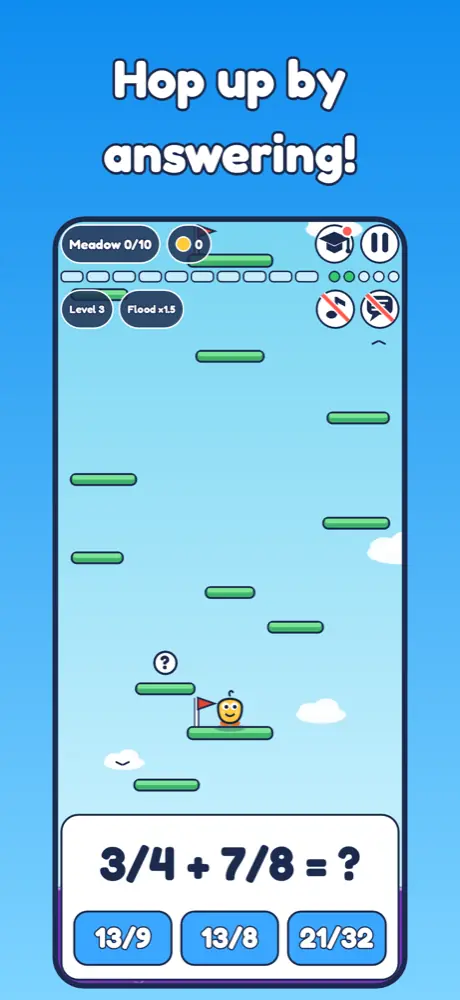
Hop & Learn turns practice into an adventure.
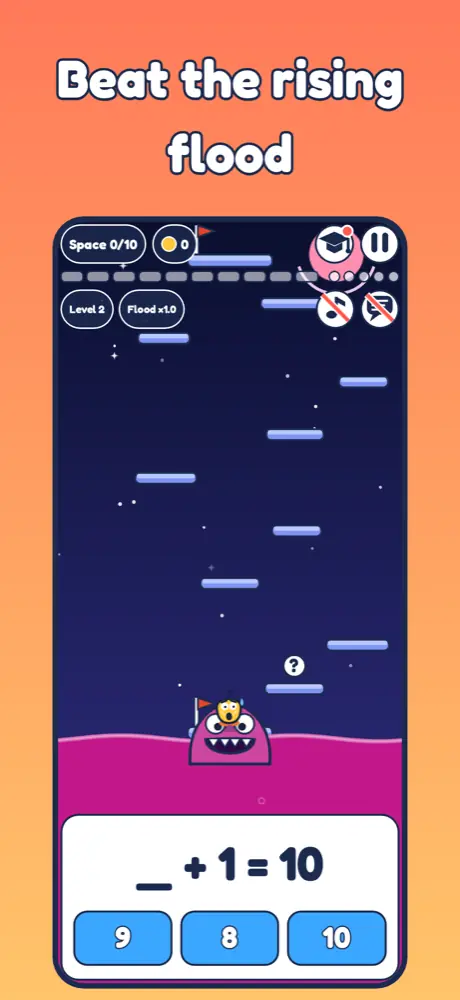
Your child hops up a tall tower by answering questions, while a funny flood keeps rising below. Answer right and the hero jumps higher. Take too long and the hungry monster gets closer. It is exciting, never scary, and every try ends with a friendly "try again".
Take a look
What children practise
Math for grades 1 to 6: adding and subtracting, missing numbers (_ + 3 = 5), times tables and division, multi-digit arithmetic, rounding and place value
Words: choose the right verb to finish a sentence, including sentences with two blanks
Questions get a little harder as your child climbs, and easier help is always one tap away
Grows up to grade 6
Grades 4 to 6 add fractions (add, subtract, multiply and divide), decimals, percent, ratio, negative numbers, simple equations like x + 7 = 15, area, perimeter and volume, averages and median, and order of operations with brackets and powers. Harder grades give more thinking time before the flood rises, and wrong answer choices are always realistic mistakes, so your child learns from them.
For teens too
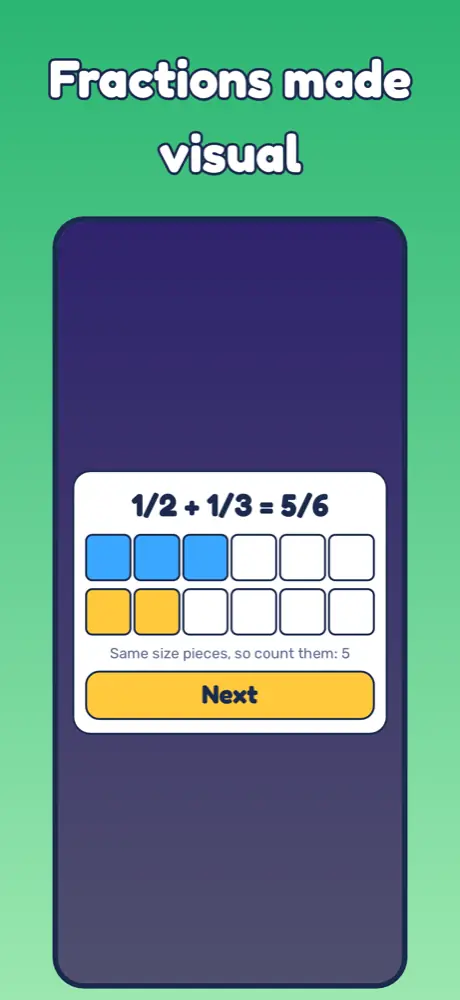
Want to rebuild fractions, percent and equations skills before or during middle school? Fast rounds make it easy to practise in a few focused minutes, and the School button shows several visual ways to solve each new topic, including fractions with bars.
Help that teaches, not tells
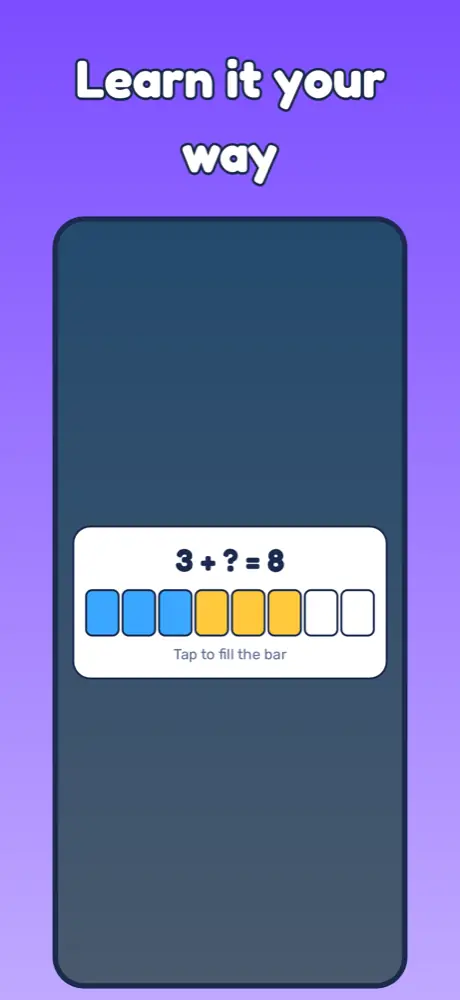
Stuck? A friendly helper shows the idea with counters and hands, step by step, and never gives away the answer. New topics come with a School button: pick a way to solve it, such as filling a bar, counting up on a number line, or taking away, and try them all by tapping.
Built for learning together
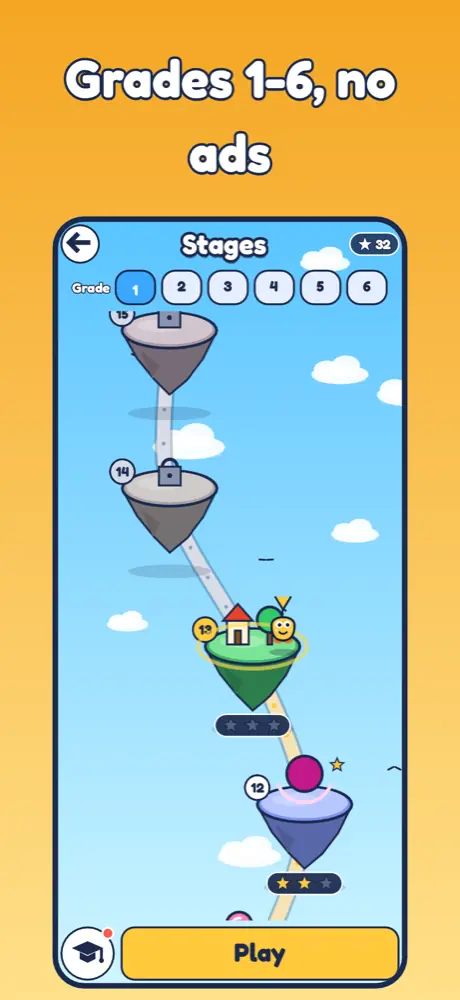
- A stage map with stars for each class, so your child can replay any stage
- Questions read aloud with the voice already on your device
- Short stages that fit into a few minutes
- Pick the class and subject in Settings
Made with families in mind
For parents
- No ads
- No in-app purchases
- No account and no data collected
- Works without an internet connection
- Available in 15 languages: English, Hebrew, Spanish, French, Arabic, Italian, Chinese, Japanese, Hindi, German, Portuguese, Russian, Turkish, Korean and Dutch
Questions from parents
How do I change the grade, language or subject?
Open Settings from the main screen. You can also switch grade on the stage map.
The questions are too hard or too easy.
Pick a lower or higher grade. Each grade has its own map, so progress in one grade is kept when you try another.
How do the lessons work?
When a new topic starts, a School button appears. It shows several ways to solve the problem; your child taps through each step.
The voice does not read the questions.
Turn on "read aloud" in Settings. The app uses your device's built-in voices; on iPhone and iPad you can download more voices in Settings, Accessibility, Spoken Content.
Does it need the internet or an account?
No. It works offline and has no account. See the privacy policy.
How do I reset progress?
Deleting and reinstalling the app starts fresh.
More answers on the support page.